
Most of this is going to come from other sites and blog posts, along with my own notes on things I found diffecult. So the aim is to setup a development environment on windows 11 WSL2 for I think Rust to start with, but suppose most of this will be general for most languages, I can see Typescript being installed as well at somepoint.
Settng up windows, so far this is a fresh install, with dark mode set, internet setup and the wordpress desktop app installed so I can tap away at this article.
Windows Setup
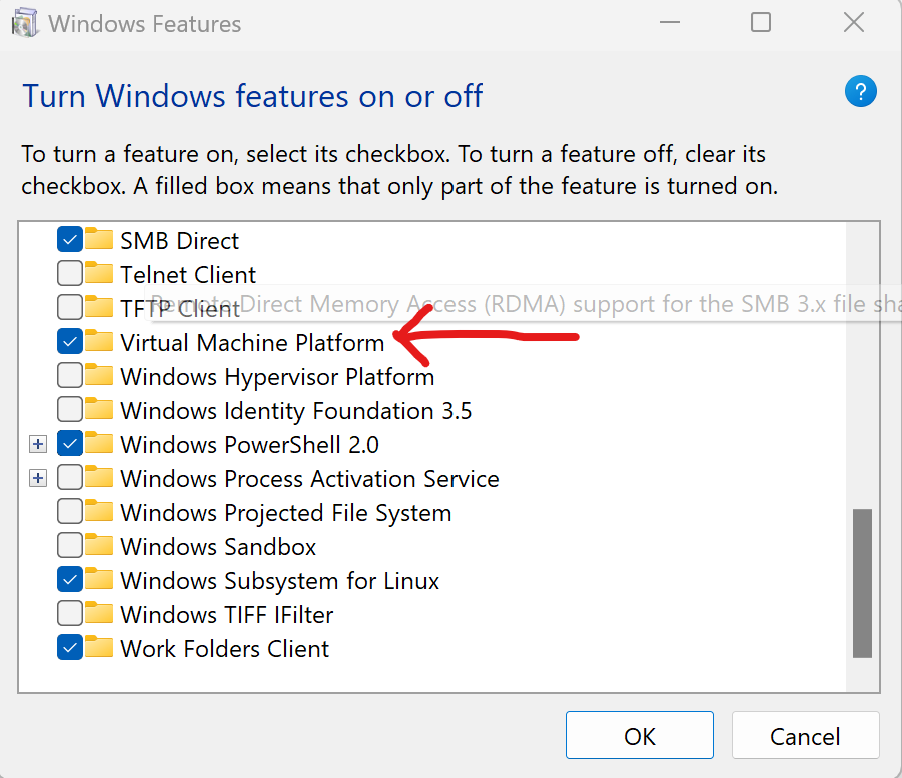
Install WSL and Virtural Machine Platform, got to “Add Remove Windows Features” and select the items, the machine will need to restart

Now Install windows terminal, this may not be required for windows 11 as it appears to be there by default.
We do however have to allow for script execution, as we will want this later on to install fonts etc, follow the instructions here to allow powershell to execute scripts
Next set WSL2 to the default for all distros we install.$> wsl --set-default-version 2
Install Alpine Linux from the windows store, note this is not available via winget yet

Clicking open once its downloaded installs the distro, and now Alpine linux appears as one of the options for windows terminal

Before we dive into setting up the WSL side of things install Visual Studio Code, this can be done using winget.
$> winget install XP9KHM4BK9FZ7Q
And some fonts which will include the glyphs for coding, there are lots of choices these are the ones I have used https://github.com/powerline/fonts/releases/tag/2015-12-04, down load and follow the instructions to install on windows
Now onto the Linux bit, open windows terminal and an Alpine tab, we need to do some basic setup now for a new linux distribution before we continue.
Now to setup a shell and some colours, have a look at the execellent blog post by Andrew Davis “Modern Windows Workflow with WSL2, Alpine Linux and Oh My Zsh”
Now setup git with the username and user email$> git config --global user.name “user_name”$> git config --global user.email "email_address"
Before we an install rust and start developing we need the development tools for Alpine, to install these$> sudo apk update$> sudo apk add build-base
and now we can install Rust at long last.$> curl –proto ‘=https’ –tlsv1.2 -sSf https://sh.rustup.rs | sh$> source $HOME/.cargo/env
And to check that everything has installed correctly, lets create the default Rust Hello World project$> cargo new HelloWorld
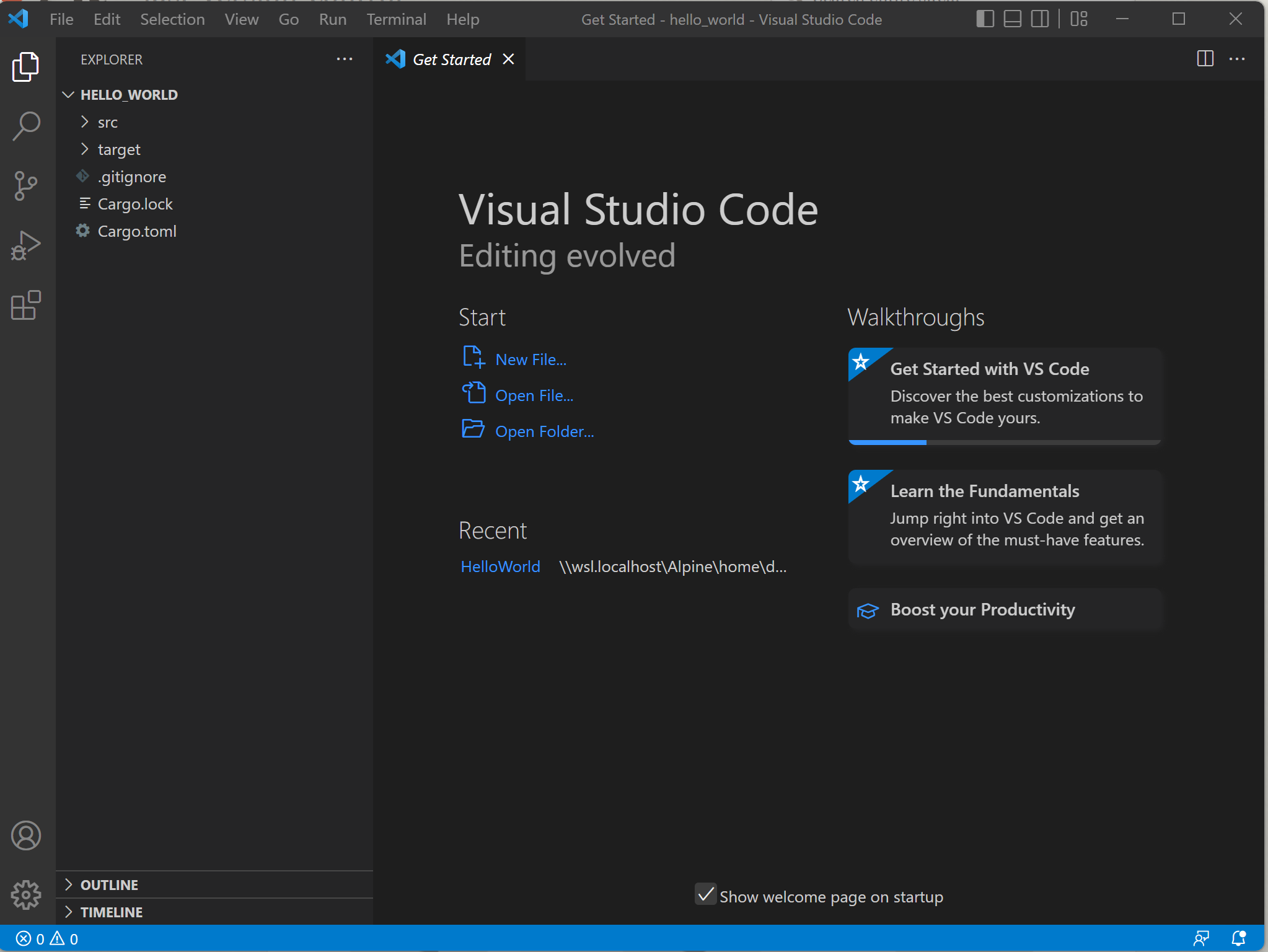
Then cd into the created project, and open the files in visual studio code$> cd hello_world$> code .
Finally run the program $> cargo run

And it works!

 The Butler Did It