
Copilot has become a great tool for working with code. I have found myself moving away from Visual Studio. I am working more and more in Visual Studio Code. This shift can feel strange for dot net projects. You also have a different view of the file structure.
With this in mind, I wanted to guide Copilot more around the way I structure projects. I have created a project template for myself.
The repository is available in my GitHub at https://github.com/DuncanButler/ProjectTemplate
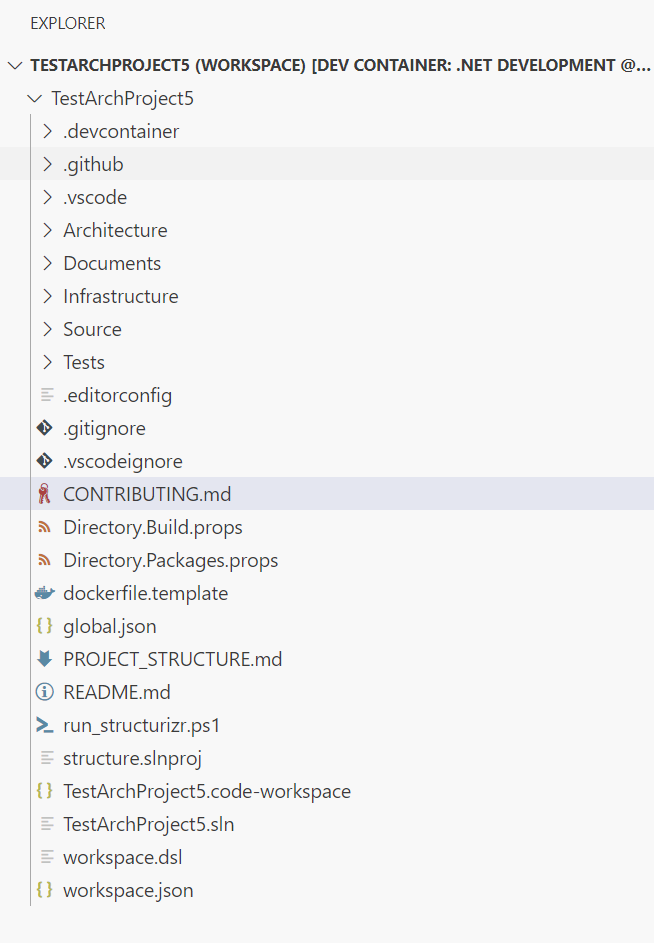
It looks daunting at first but the core of the template is
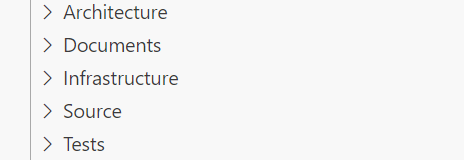
Architecture and Documents
I use Structurizr (https://structurizr.com/) to build my architecture diagrams. The interface can also show any architecture documentation. I store this documentation in the documents folder to hold any text documents. This follows the idea of having documentation near the code, actually within the same repository as the code.
Structurizr can run locally using the run_structurizr.ps1 script, which downloads the latest docker container, and adds the project as a linked folder. so the structurizr web interface can display both the diagrams and the documents from the project.
The script will call the workspace.dsl. This file is the starting point for building the architecture diagrams. The actual diagrams themselves are coded within the models, views, and configuration dsl files in the architecture folder.

Infrastructure
This folder is for the infrastructure as code. In most of my cases, it is for the dotnet Aspire host and service defaults projects.
Source and Tests
The source directory is where the actual application or website and services go. The test directory is where the unit and integration tests for the application go.
Copilot
I built the template because I wanted Copilot to understand where I wanted to put things. I also wanted some control over its coding style. There are several files in the copilot directory. They help with generated code style. They also give prompt templates for common tasks.
Other Files
There are the other usual files. These include a dotnet solution file and an editor configuration file. They help set up the environment and the editor.
The Docker file template and the workspace.json are the Visual Studio Code files that set up a developer environment within a Docker container. They also set up the Visual Studio workspace.

 The Butler Did It